
Get started with Puckhead Gameday Scoreboard
Five steps, about a minute — here's the whole thing.
Create your account
All it takes is an email address and a password — create your account here. This is the account you'll use on every TV.
Verify your email
We'll email you a 6-character code — type it in and you're confirmed. It keeps your account recoverable and your receipts going to the right inbox.
Pick your plan
Follow one league for $3.99/month, get every league for $5.99/month, or save with all leagues for $49.99/year. Checkout is handled securely by Stripe, and there's a 7-day money-back guarantee on your first purchase. Cancel anytime.
Install the app on your TV, phone or tablet
On Fire TV, Google TV and Android TV, search your TV's app store for Puckhead Gameday Scoreboard and install it like any other app. On iPhone and iPad, get it from the App Store and on Android phones and tablets from Google Play. You can also watch right in a browser on any computer — see the full list of devices.
Scan the QR code to link your TV
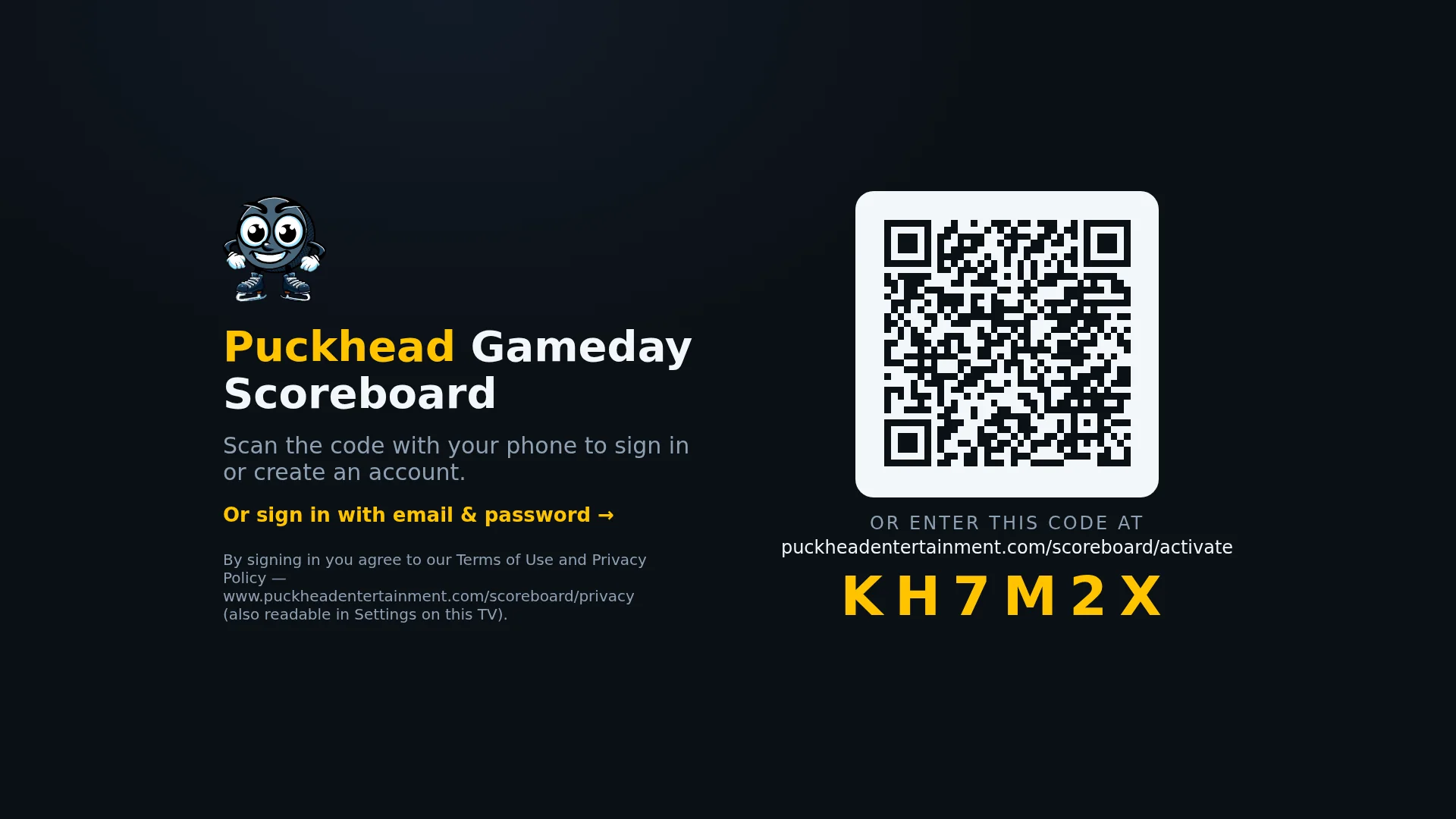
Launch the app and scan the QR code on screen with your phone — you'll be signed in on the TV in seconds. No remote-control typing. You can also enter the short code at the activation page.
Want to see the app first? How it works →