
How Puckhead Gameday Scoreboard works
Turn your TV into a live scoreboard for every league — set it up in about a minute.
1 · Sign in with your phone
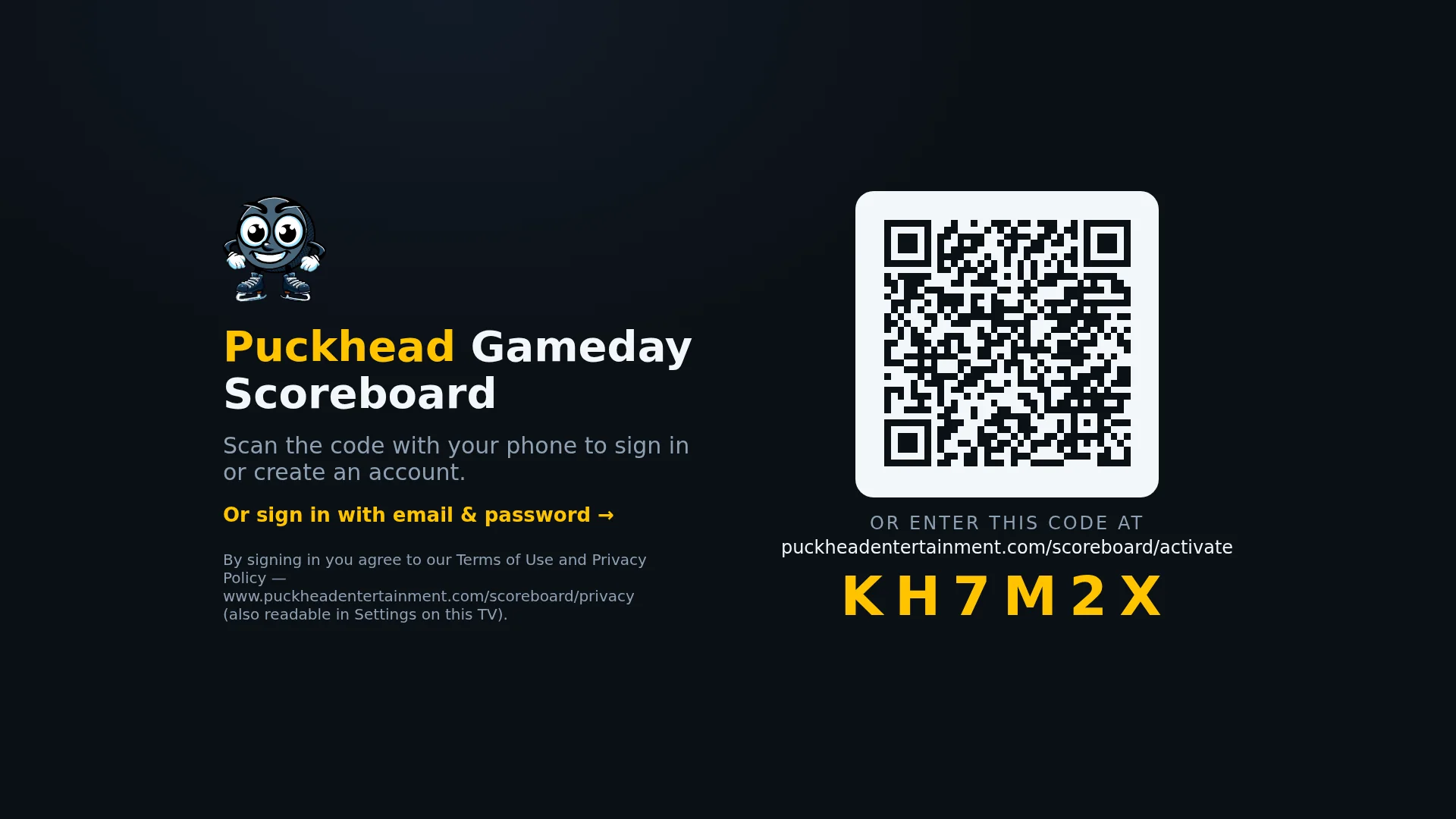
Install Puckhead Gameday Scoreboard on your TV and scan the QR code with your phone — or type the short code at our activation page. No typing passwords with a remote.
2 · Pick your sport
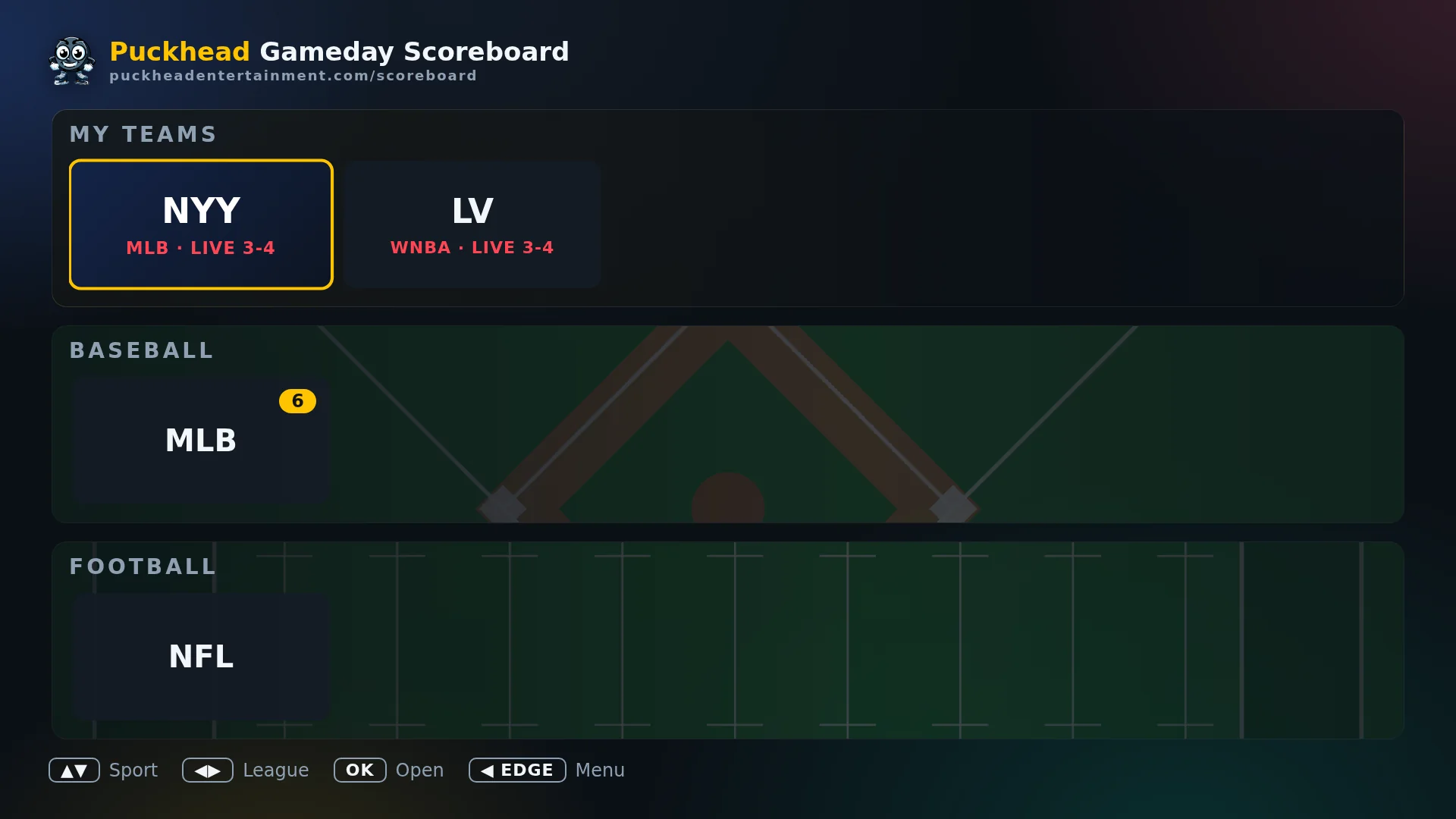
Every league lives on one dashboard, grouped by sport, with a badge showing how many games are on right now. Your favorite teams get their own column with live scores at a glance.
3 · See the whole slate
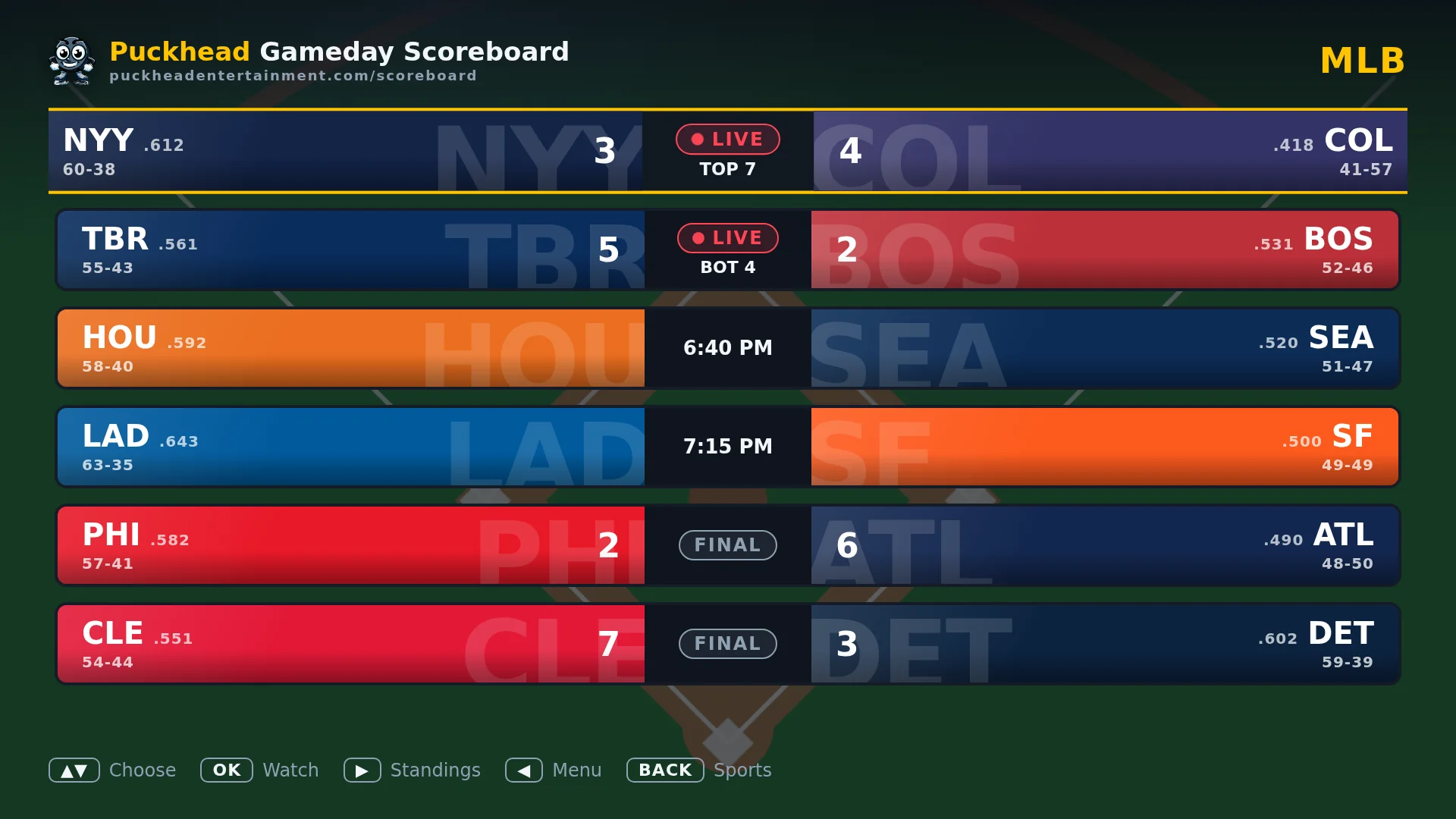
Each league shows today’s games — live scores updating in real time, start times for what’s ahead, and finals for what’s done.
4 · Game day, front and center
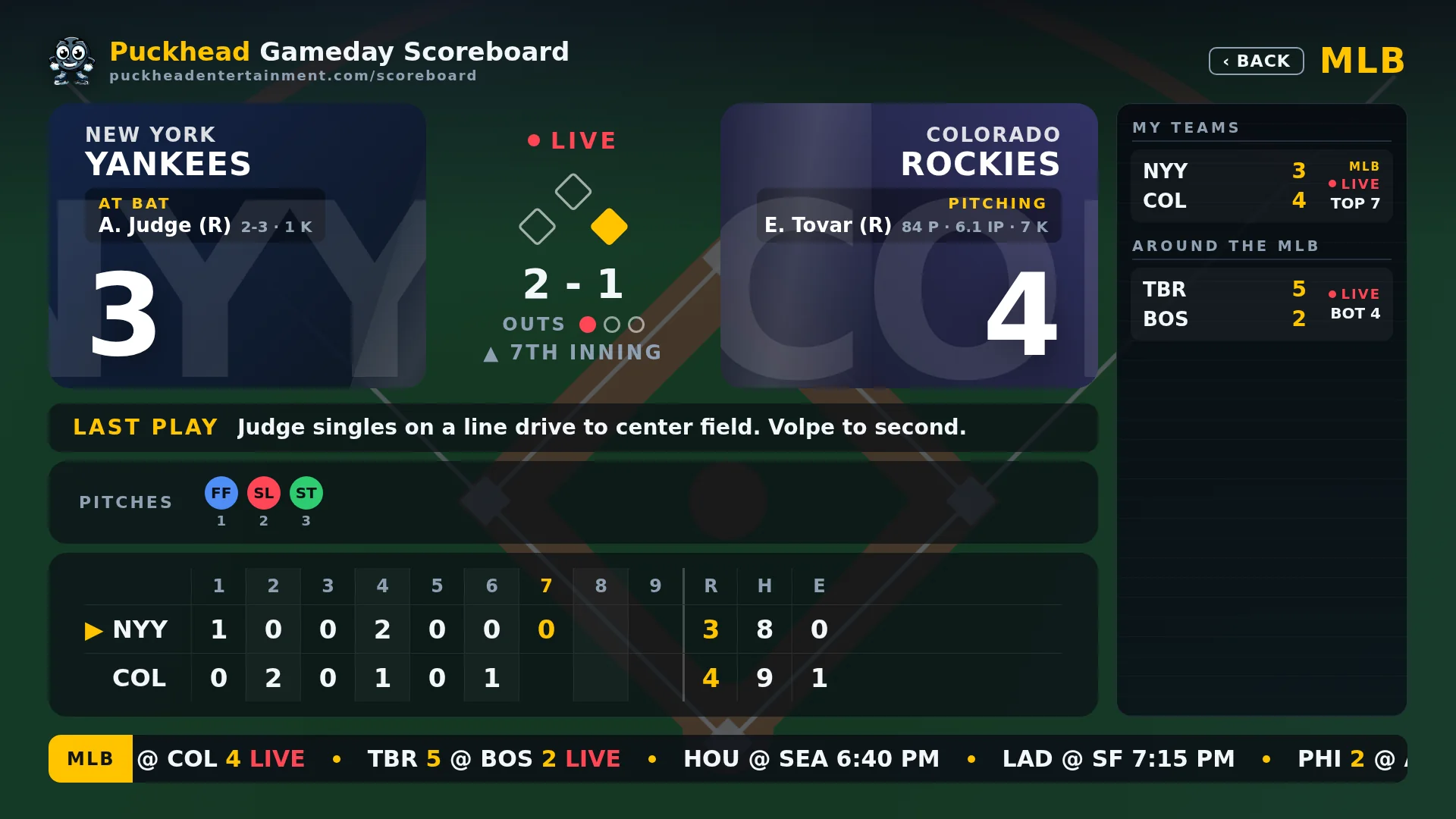
The game screen is built for TV: team colors, win probability, last play, balls-strikes-outs, who’s on base, pitch-by-pitch — plus goal horns and celebrations when your team scores. The around-the-league ticker keeps every other game in view.
5 · More than scores
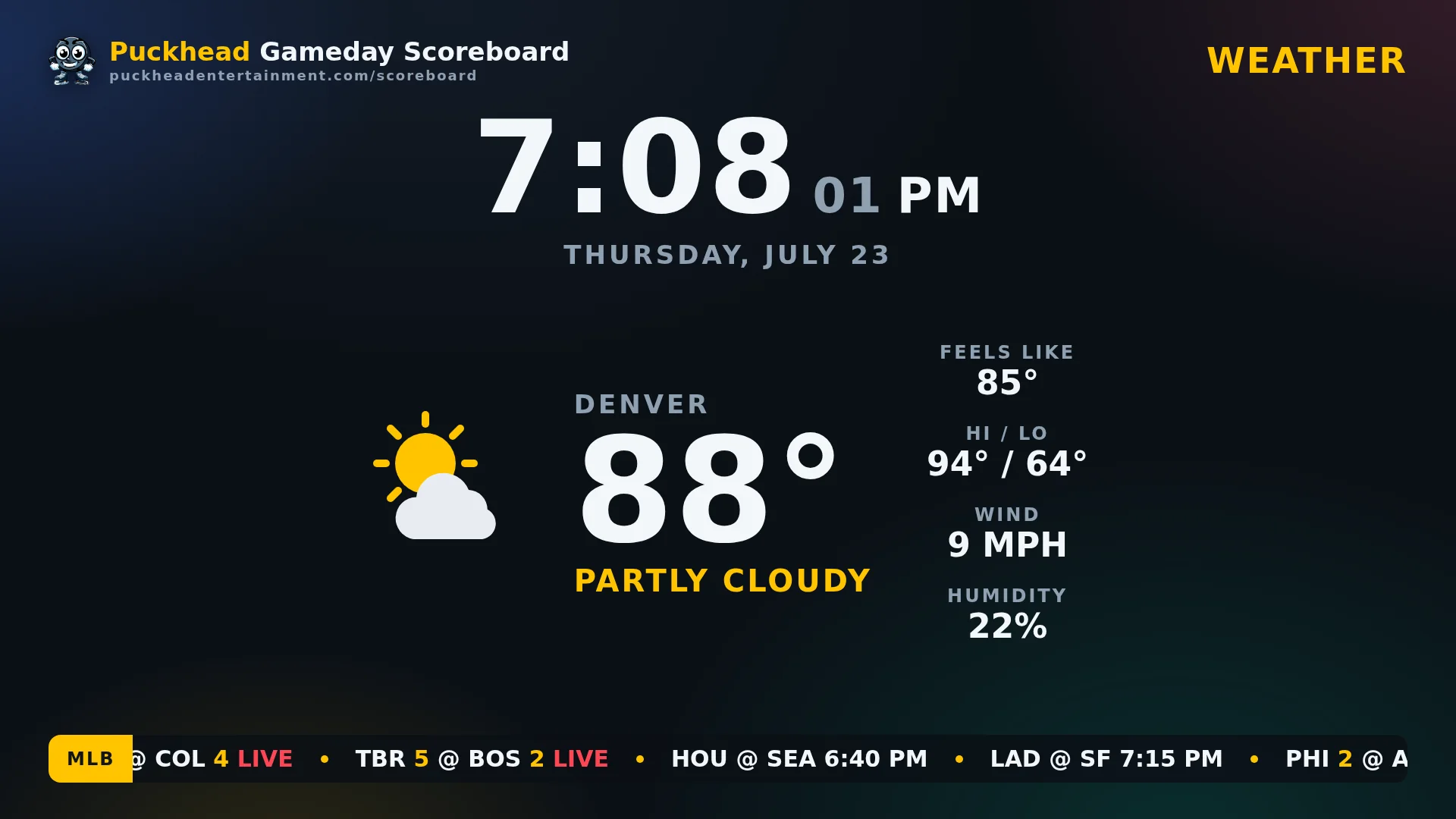
A clock-and-weather screen for the garage or the bar, with the score ticker still running. Auto-pilot mode hops between the closest live games automatically — leave the TV on and it finds the action.
6 · Everything one press away
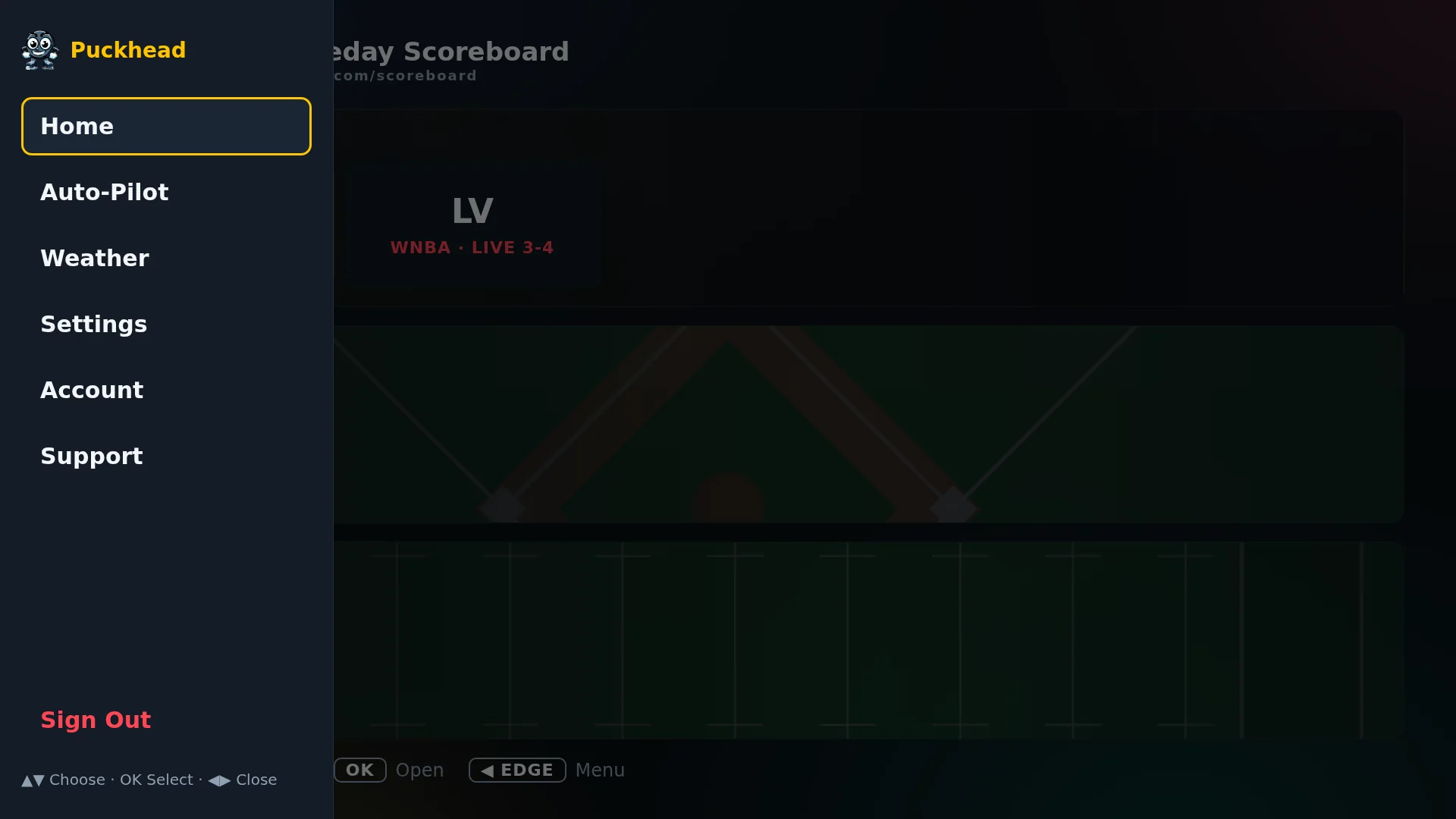
Press LEFT on any screen for the menu: auto-pilot, weather, orientation (landscape or portrait), ZIP code, favorite teams, and more.
Ready to try it?
Plans start at $3.99/month for a single league. Cancel anytime.